google business profile not getting calls
Google Business Profile Not Getting Calls? 9 Fixes That Work
Your profile gets views but the phone stays quiet. These 9 fixes turn Google Business Profile views into calls, WhatsApp chats and direction requests.
Local SEOUpdated 2 min readBy Kanchana Delgoda, Search and AI visibility
Short answer: if your profile gets views but few calls, people are seeing you and choosing someone else. The fixes are about trust and ease: more recent reviews, real photos, clear services and prices, correct hours, a strong first line in your description, and a call or WhatsApp button that works.
Open your Google Business Profile performance report. If it says hundreds of people saw you this month but only a handful called, Google is doing its job. Your profile is losing the comparison. Here is how to win it.
1. Get more recent reviews
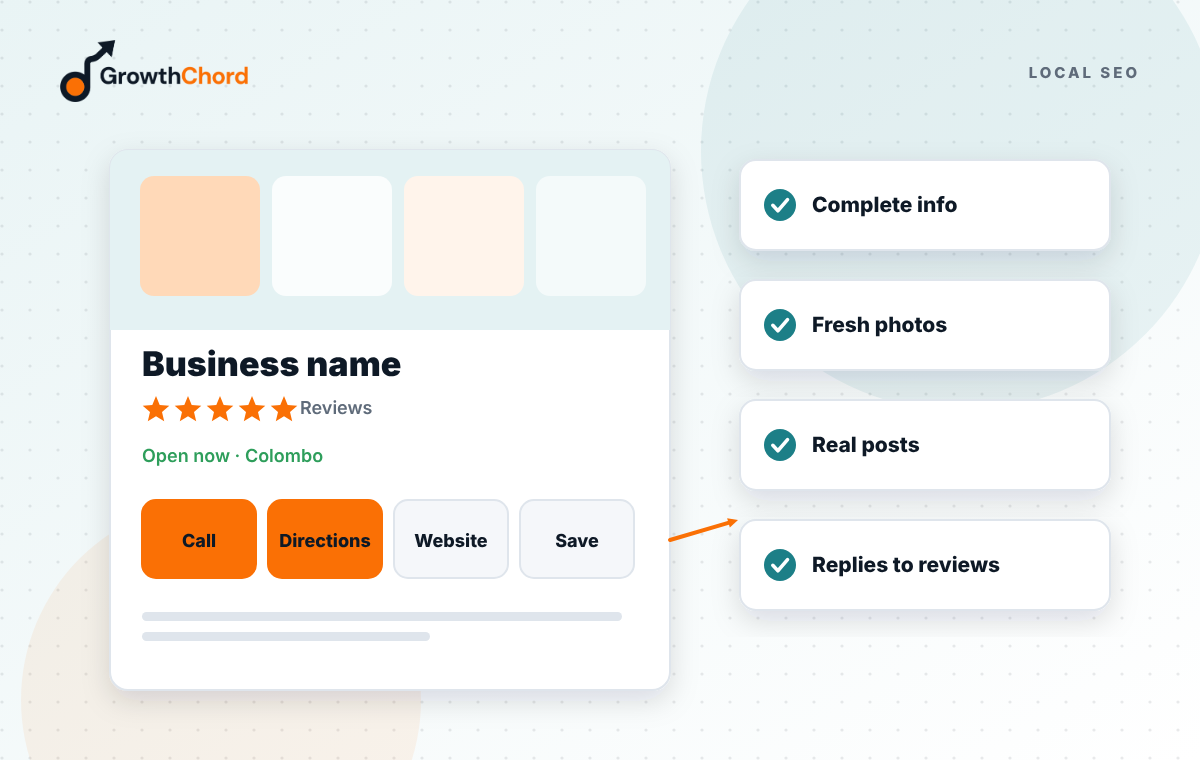
People read the newest reviews first. Ask every satisfied customer with a short review link, sent by WhatsApp right after the job. A few new reviews every week beats a big batch once a year.
2. Reply to every review
A thoughtful reply to a bad review can win more trust than five good ones. Thank people by name and mention the service, for example "Glad the AC repair in Rajagiriya went smoothly."
3. Replace stock photos with real ones
Customers want to see your team, your place, your work and your prices board. Upload new photos every month. Businesses with real, recent photos look open and active.
4. Make your services and prices clear
Fill in the services or products section with names people search, short descriptions, and prices or "from" prices where you can. Uncertainty about cost is one of the main reasons people do not call.
5. Fix your hours, including holidays
Nothing loses a customer faster than driving to a closed shop. Set special hours for Poya days and public holidays in advance.
6. Rewrite the first line of your description
Only the start shows before "more". Lead with what you do, where, and one reason to choose you: "Family dental clinic in Colombo 5, open until 8pm, with same-day emergency appointments."
7. Use the call and message buttons
Check that your phone number is a mobile number people can reach during opening hours, and turn on messaging or add WhatsApp where possible. Missed calls are lost customers.
8. Post every week
Share offers, finished jobs and seasonal tips. Posts show you are active and give people a reason to act now.
9. Answer the questions people ask
The questions and answers on your profile are public. Add the common ones yourself, such as parking, payment methods and delivery areas, so nobody has to guess.
How do you know it worked?
Track calls, website clicks and direction requests in the performance report each month, and ask new customers how they found you. You should see the ratio of calls to views improve within a few weeks.
Want it done for you? Our Google Business Profile service covers all nine, every month. Or book a free growth audit to see what your profile is missing.
- Local SEO
- Google Business Profile
- Map Visibility